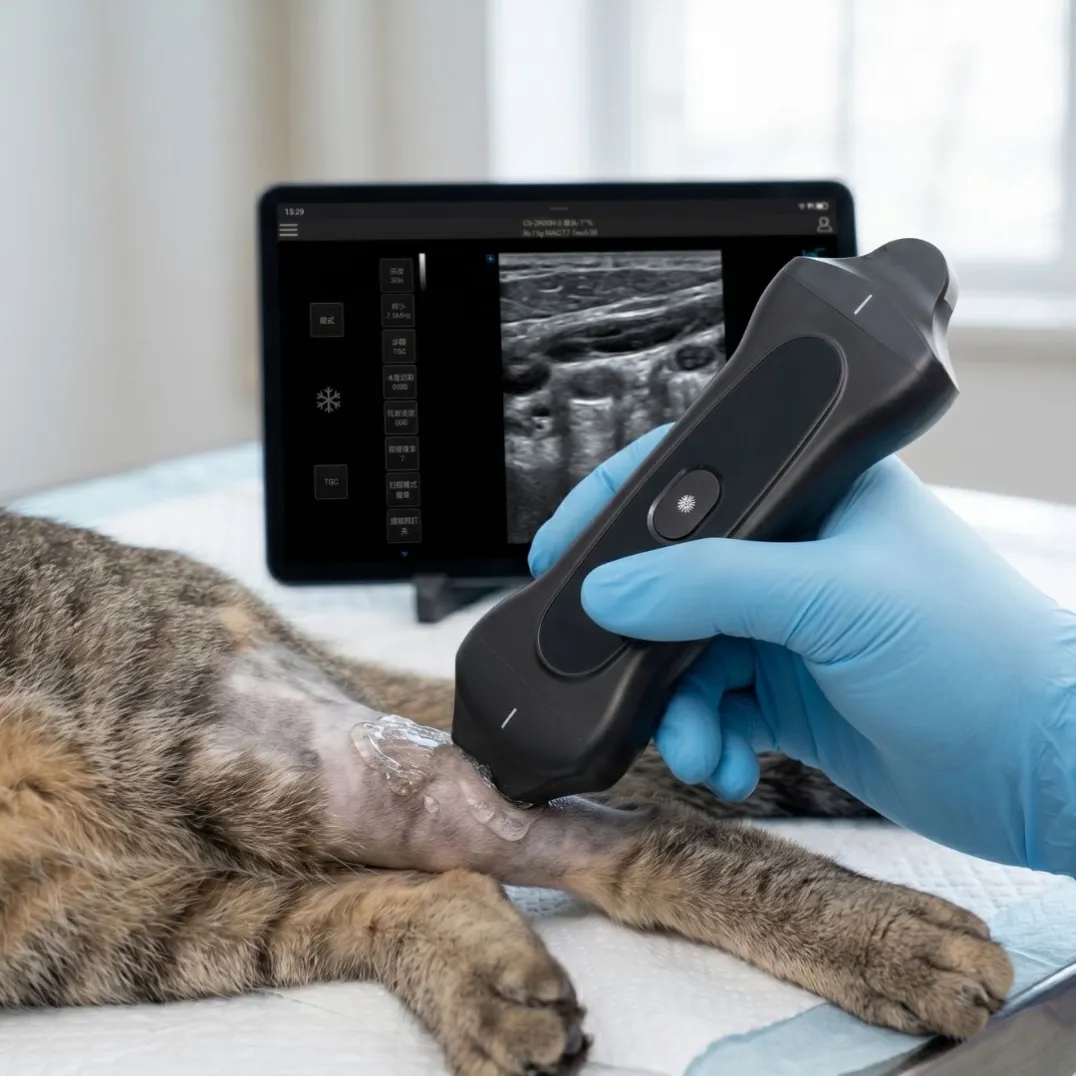
Sep 5, 2026Buying Guides
Wireless Ultrasound Probe: 10-Point Buyer's Checklist
Ten things to verify before buying a wireless ultrasound probe — frequencies, elements, Doppler modes, frame rate, device compatibility, charging, certification.
A wireless ultrasound probe is the easiest ultrasound purchase to get wrong, because the category looks commodity-priced and the differences between probes hide in ten specification lines that many listings simply omit. The reliable way to buy is to work a checklist: ten things to verify, in order, with the exact question to ask each vendor. We manufacture wireless probes at COSDA — including a 3-in-1 unit that packs convex, linear, and phased arrays into one device — and this is the same checklist our team runs with distributors before they commit to a container.
If you are shortlisting wireless probes for clinical use — clinic, veterinary, emergency, or as a distributor's product line — this is for you. If you are buying a wellness or home-use gadget, the honest answer is that clinical-grade checklists will disqualify most of those products on certification grounds alone.
Why Wireless Probe Purchases Go Wrong
- The buyer orders a probe advertised as "3-in-1," and the listing never mentions which imaging modes the software actually implements.
- The probe arrives, pairs happily with one phone model, and drops frames on the tablet the clinic actually uses.
- A Doppler question comes up on day three, and the probe turns out to be B-mode only.
- Nobody checked the charging scheme, and a probe with a proprietary cable becomes a paperweight in a busy ward.
- The buyer re-opens the search three months later — the real cost of a cheap probe is buying twice.
- All ten failure points below are checkable from a spec sheet and a twenty-minute demo, before any money moves.
The 10-Point Checklist
1. Transducer types and frequency bands — published, not implied
Ask for the exact bands per transducer. "Convex + linear" is not a specification. Our 3-in-1 publishes convex 2.5/3.5/4.0/5.0/6.0 MHz, linear 5.0/7.5/9.0/10.5/12 MHz (with H10/H12 harmonics), and a cardiac phased band 2.5–6.0 MHz. Match those numbers to your caseload: abdominal depth needs the low convex end; tendon and vascular detail needs the high linear end.
2. Element count
Element count drives image resolution more than any marketing term. Our 3-in-1 uses a 192-element array. If a vendor will not state element count, treat that omission as data.
3. Imaging modes — especially Doppler
B-mode is table stakes. Confirm color flow (CF), pulsed wave (PW), and power Doppler (PDI) in writing if any vascular, cardiac, or perfusion question will reach the probe. Our unit publishes B/M/CF/PW/PDI/DPDI plus puncture enhancement and panorama. Note which modes work on which connected device — mode support can differ between the iOS, Android, and Windows apps.
4. Frame rate
Frame rate is where cheap wireless probes fall apart in motion — cardiac and abdominal work need real-time performance, not slideshow. Our 3-in-1 is rated up to 60 fps. Ask for the number and verify it live on a moving target.
5. Device compatibility — all three ecosystems, tested on yours
iOS, Android, and Windows compatibility is a standard claim; real behavior varies by device and OS version. Test the probe on the exact phone or tablet your team carries. Our probes connect over built-in Wi-Fi to all three ecosystems — and "built-in Wi-Fi" matters, because it means the probe does not borrow your clinic's network to function.
6. Charging scheme and speed
Wireless charging removes the failure-prone port entirely — relevant in dusty barns and disinfected wards alike. Our probes charge wirelessly, reaching about 43% in 30 minutes and 100% in 60 minutes under documented test conditions. Verify charge-time claims the same way: with numbers.
7. Software depth beyond the image
Post-freeze measurement, annotation, and re-measurement on saved images are daily-use features. Our units support post-freeze processing and tissue-specific imaging (TSI, 1540–1620 m/s), plus department software packages covering abdomen, obstetrics, gynecology, cardiac, vascular, small organs, urology, spine, pediatrics, and cranium. Count the packages a vendor actually ships.
8. Certifications and documentation
For clinical use in the Americas, ask whether the manufacturer is CE-certified and FDA-registered, and request the certificates for the specific probe model. COSDA manufactures in its own factory with FDA registration, CE, and ISO certification — documentation ships on request. A vendor that hesitates here has answered your question.
9. The vendor behind the probe
Who manufactured it, who services it, and what upgrades look like. Manufacturer-direct matters: it is the difference between a spec question answered by the engineering team and one answered by a marketplace listing. Ask where the firmware updates come from and how long parts stay available.
10. Total cost over two years
Probe price, plus tablet (if you need one), plus any subscription for software features, plus shipping and customs. Our AI-assist features, where offered, are a one-time option rather than a recurring license — we think buyers should know their long-term cost up front, and you should ask every vendor to state theirs as plainly.
Matching the Probe to the Caseload
The checklist narrows the field; two caseload questions finish it:
- One probe or three? If your work spans abdomen, tendon, and occasional cardiac questions, the 3-in-1 replaces three probes with one — the convex, linear, and phased bands ship in the same specification sheet. If your work is concentrated in one tissue class (vascular access, MSK, nerve), a dedicated linear probe at 5.0–12.0 MHz is the more focused instrument, and it costs less than the multi-band unit.
- Human, veterinary, or both? The mode set is the same hardware question, but the software packages differ by department. The 10-package software suite (abdomen through cranium) covers human clinical work; veterinary buyers should confirm preset availability for their species mix — the same honest question we ask of any vendor on your behalf.
Three Questions Buyers Ask Before Ordering
Does a wireless probe work without internet? Yes — and this is worth testing in the demo. The probe streams over its own built-in Wi-Fi connection directly to your device; it does not need your clinic network or the internet to scan. Cloud backup and sharing are separate choices you make after the image is captured.
Can one probe serve several phones and tablets? The probe pairs with iOS, Android, and Windows devices, and practices commonly share one probe across a team's phones. Test your actual device mix in the demo — pairing behavior on older tablets is exactly the kind of detail a twenty-minute live check settles.
Do I need to buy AI, and does it expire? AI is an option, not a requirement — and where our AI package is fitted, it is a one-time addition rather than a yearly subscription (it currently recognizes seven anatomical regions to assist scanning; it does not generate reports or make diagnoses). If a vendor prices AI as an annual fee, put that number in your two-year cost line before comparing sticker prices.
Red Flags While You Compare
- Spec sheets without numbers (element count, frame rate, frequency bands).
- "Compatible with all devices" claims that never name OS versions.
- Certification claims without certificate copies for the exact model.
- No demo unit or no live-scan offer.
Next Step
Run items 1–7 on any two candidate spec sheets and most of the field will eliminate itself. Our own probes publish everything above precisely so this checklist can be run from the product pages — start with the 3-in-1 wireless probe and the wireless linear probe. And if AI features are part of your comparison, the practical guide to what AI actually does in portable ultrasound separates marketing claims from working functions.