Sep 5, 2026Buying Guides
How to Choose a Portable Ultrasound Machine
A 5-step framework for choosing a portable ultrasound machine: form factor, probe specs, data workflow, total cost, and pre-purchase validation.
Choosing a portable ultrasound machine is harder than it looks because spec sheets are written for engineers, not buyers. The practical way to choose is to work through five checks in order: match the form factor to your caseload, read the probe specifications against your actual applications, verify the data workflow and compliance paperwork, calculate the true cost of ownership, and validate the machine on real patients before you commit. This guide walks through each step the way we walk through them with distributors and clinic buyers.
If you run a small or mid-sized clinic, a veterinary practice, or you are a distributor comparing lines for the Americas market, this framework is built for you. If you are equipping a large hospital that is contractually required to buy full cart-based systems from a pre-approved tender list, much of this will not apply — your procurement process, not the spec sheet, will decide.
Why Portable Ultrasound Purchases Go Wrong
- A clinic director buys a machine for one department, then discovers half the caseload needs a probe type the system does not support.
- The spec sheet lists a frequency band like "2.5–6.0 MHz," but nobody on the buying team knows which applications that band actually covers.
- Nobody asks how images leave the machine, so the team finds out after delivery that it cannot talk to their records system.
- The clinic re-quotes with three more vendors, each quoting differently configured machines, and comparing them becomes guesswork.
- The budget gets spent on the wrong tier — either paying for imaging modes a general practice never uses, or under-buying and replacing within two years.
- You can avoid most of this by scoring any candidate machine against the five checks below before money moves.
Step 1: Match the Form Factor to Your Caseload
Portable ultrasound comes in three realistic shapes, and the first decision is which one your daily caseload actually needs.
Cart-based systems are what most people picture in a hospital. Maximum capability, no portability story. If you are reading this guide, you have probably already ruled this out or you already own one.
Laptop-style portable systems are the workhorses of primary care. A machine like our laptop portable color Doppler unit runs on a Linux + ARM + FPGA platform, boots in about 12 seconds per its specification sheet, weighs 5.5 kg, and carries a 15-inch display. It supports more than ten probe types, so one console can serve abdominal, obstetric, vascular, and small-parts work — and switch to veterinary presets with one click. If your caseload is broad and happens in a room you control, this is usually the right tier.
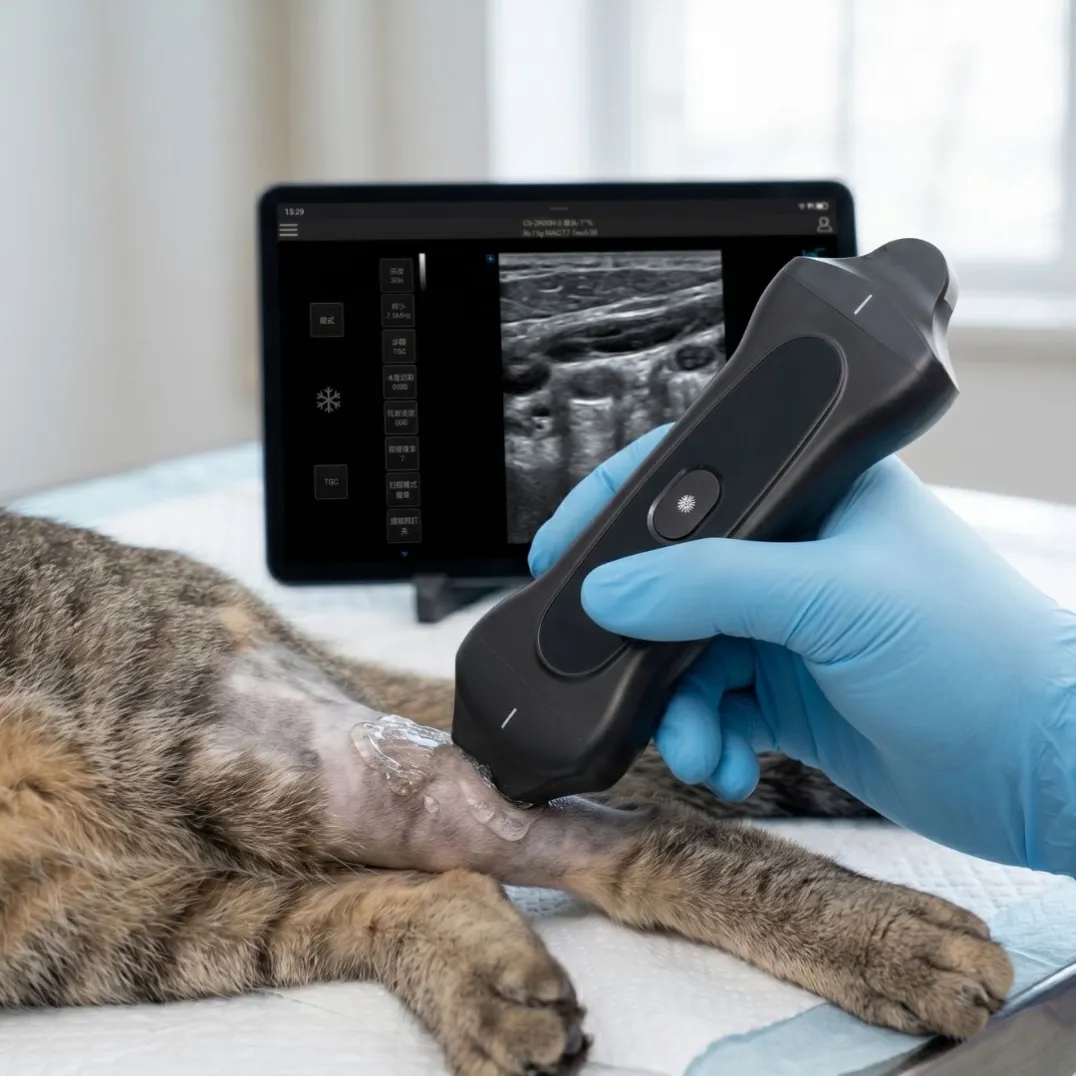
Wireless handheld probes are phones-and-tablets devices: the probe itself is the scanner, and it streams over Wi-Fi to an iOS, Android, or Windows device. Our 3-in-1 wireless probe packs convex, linear, and phased array transducers into one unit, which means bedside, house-call, and field scanning without a cart, a trolley, or cables. If your work happens at the patient's side — emergency, mobile practice, farm calls — start here.
A useful rule: if you regularly need two or three different probes in one session, a laptop system with a probe ecosystem beats a single handheld. If you need imaging where a cart cannot go, the handheld wins. Many growing practices eventually run both: a laptop system as the clinic base and a handheld as the go-anywhere second unit.
Step 2: Read the Spec Sheet Like a Clinician
Three lines of a portable ultrasound spec sheet do most of the clinical work: probe frequency, element count, and imaging modes.
Frequency band matches tissue depth. Lower frequencies penetrate deeper; higher frequencies resolve finer detail. A convex array at 2.5–6.0 MHz covers abdominal and obstetric work. A linear array at 5.0–12.0 MHz is what tendon, vascular, nerve, and small-parts imaging need — this is why musculoskeletal and vascular work lives on linear probes. A phased array around 2.5–6.0 MHz fits between the ribs for cardiac. Our 3-in-1 probe publishes all three bands in one specification sheet: convex 2.5/3.5/4.0/5.0/6.0 MHz, linear 5.0–12.0 MHz, and a cardiac band, with harmonic modes (H) on each.
Element count shapes image quality. A 192-element probe array resolves more detail than entry-level arrays, and that difference is visible in exactly the situations that are hardest to scan. Ask any vendor for the element count of the actual probe, not just the console.
Imaging modes match your questions. B-mode is the baseline. Color flow (CF), pulsed wave (PW), and power Doppler (PDI) are how you answer blood-flow questions. Our systems publish B/M/CF/PW/PDI/DPDI as the core set, with the laptop console adding continuous-wave and triplex views. If your caseload includes vascular or cardiac questions, confirm Doppler modes in writing — some budget machines advertise "color" but only implement static color overlay.
One honest note: harmonic modes, tissue-specific imaging, and post-processing features vary between vendors, and marketing names are not standardized. Ask for a live demo scan of your typical patient rather than trusting the brochure.
Step 3: Verify the Data Workflow and Compliance Paperwork
An ultrasound machine that cannot move its images into your records creates a second, manual job. Before buying, confirm three things:
- Export and integration. DICOM compatibility is what lets the machine talk to PACS and hospital information systems. Our laptop systems support DICOM plus HDMI, USB, LAN, and printer outputs, with a built-in workstation for saving and reviewing studies.
- Documentation and language. If you serve a multilingual patient base or a multi-country distributor network, interface language support matters more than it seems. Our systems ship with multi-language interfaces — including Spanish and Arabic — and customizable presets.
- Certifications. For the Americas market, ask whether the manufacturer is FDA-registered and CE-certified, and ask for the actual certificates for the model in question. COSDA manufactures in its own factory and holds FDA registration, CE, and ISO certification — we provide the documentation on request, and you should expect the same from any supplier you evaluate.
Step 4: Calculate the True Cost of Ownership
The sticker price is only the visible part. Four lines fill out the real number:
- Battery and uptime. A laptop system should run a full clinic day on battery — our laptop unit is rated at 3–4 hours per charge, which covers mobile and field sessions; handheld probes run around two hours, so check charging speed (our probes charge to 100% in about 60 minutes).
- Probe ecosystem. Probes are the parts you add over the years. A console that supports ten-plus probe types protects that investment; a closed system forces a replacement.
- Software longevity. Ask whether the platform accepts firmware and software upgrades. Our laptop line ships with bootloader-based upgrade support, which is what keeps a machine current instead of obsolete.
- Service and training. Who answers when something fails, and how long can you wait? A manufacturer that sells direct can answer both questions concretely — ask them to.
Step 5: Validate Before You Commit
Any supplier confident in their machine should let you validate it. Run the same five checks on the demo unit:
- Boot it cold and time it.
- Scan your most common exam type, with your most experienced and your newest operator.
- Send an image to your PACS or records workflow end to end.
- Drain the battery through a normal session and verify the rating.
- Ask for the certificate copies and the upgrade policy in writing.
The Five Checks, Summarized
Check | The question it answers | Where buyers get burned |
|---|---|---|
Form factor | Laptop console, handheld probe, or both? | Buying reach when you needed depth of workflow |
Probe specs | Does the frequency band and mode set match your caseload? | Trusting brochure names over published bands |
Data & compliance | Can images reach your records, and can you sell legally? | Discovering integration gaps after delivery |
Cost of ownership | What does this machine cost over five years? | Ignoring probes, batteries, and upgrades |
Validation | Does it work on your patients with your team? | Buying from a brochure demo |
Work the five checks in order and you will arrive at a shortlist you can defend. If you want a second pair of eyes, our team reviews buyer checklists against our own catalog — including telling buyers when our laptop system or a wireless probe is not the right fit — and you can start from the product pages for the laptop portable color Doppler machine and the 3-in-1 wireless probe.